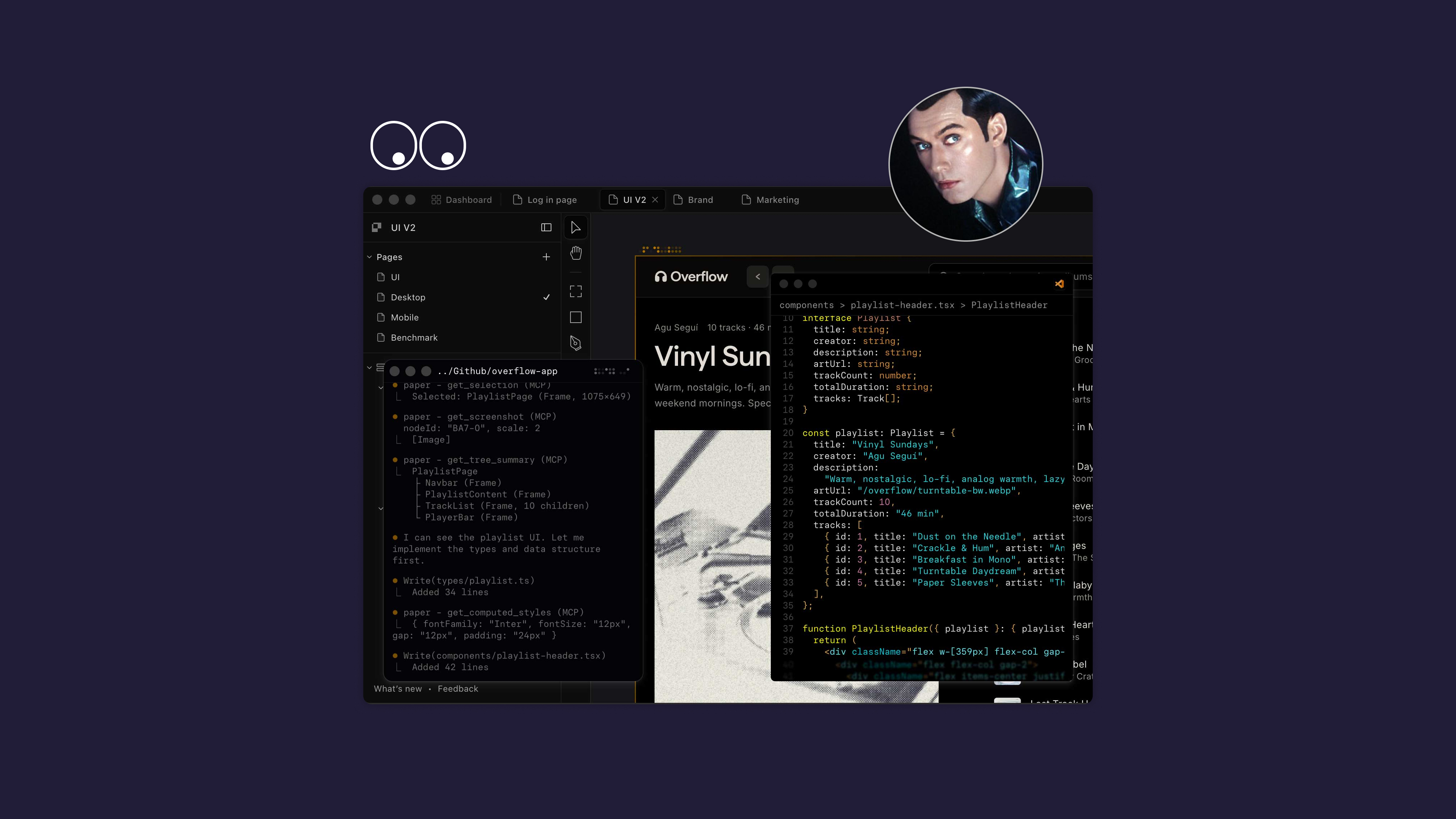
1. AI-assisted development
The most obvious place AI has become useful is inside the development workflow. Tools like Cursor, GitHub Copilot, Claude Code, Codex-style coding agents, and our own Hermes workflows help us move through repetitive implementation work faster: refactoring sections, writing test scaffolds, checking Liquid and JavaScript patterns, summarizing diffs, and exploring bugs before they turn into guesswork.
But we do not treat code generation as a shortcut around engineering. The output still has to survive the same standards: clean architecture, accessibility, performance, content editing sanity, Shopify theme constraints, Craft field shapes, and the boring-but-important details that make a build maintainable after launch.
2. Hermes Agent for connected client workflows
Hermes has become especially useful because it can connect to the actual systems around the work: GitHub, Craft CMS, Shopify-adjacent processes, files, calendars, research sources, and project context. That means AI is not just sitting in a blank chat box waiting for us to paste context into it. It can inspect, draft, validate, and hand back something usable.
This article is a good example. Instead of writing into a document and manually copying it into our Craft CMS later, the workflow can read the existing article structure, match the content model, create a draft, and return the CMS edit link for human review. That is the kind of AI implementation we care about: small, practical automations that remove friction without removing oversight.
3. LLMs for strategy, research, and first-pass thinking
We use models like ChatGPT, Claude, Gemini, and other LLMs as thinking partners — not final-answer machines. They are useful for clustering research, stress-testing a point of view, turning a messy note into a brief, producing alternate headline angles, or helping us see where an argument is thin.
The value is not that the model has taste. It usually does not. The value is that it gives us more surface area to react to. We can reject weak ideas faster, sharpen stronger ones, and spend more time on the actual editorial judgment.
4. AI-supported content operations
For clients investing in organic search, AI search, editorial content, product education, or shoppable storytelling, the hard part is rarely producing one article. The hard part is building a repeatable system: topics, structure, internal links, product context, brand voice, schema, imagery, CMS fields, review, publishing, and measurement.
AI helps with the connective tissue. It can turn a campaign idea into a content outline, map product details into a buying guide, rewrite dense brand material into something customers can actually understand, or generate first-pass metadata that a human can improve. Used properly, it makes content operations more consistent without making the content generic.
5. Feedback, QA, and project communication
Tools like Feedbucket and AI-assisted summaries help reduce the drag that usually sits between client feedback and developer action. Screenshots, comments, bugs, browser context, and client notes are only valuable if they become clear next steps. AI can help translate the noise into grouped issues, acceptance criteria, and priorities.
That does not replace the project manager, designer, or developer. It gives them a cleaner starting point and fewer places for ambiguity to hide.
6. Creative prototyping and visual exploration
AI image, video, and interface tools are useful when they are treated as sketching tools. They help us explore mood, layout, pacing, motion, campaign language, and content direction before committing production time. They are not a substitute for brand identity or art direction, but they can make the early messy stage more productive.
For design-led ecommerce, that matters. The best work still depends on taste. AI just helps us get to the useful conversations sooner.